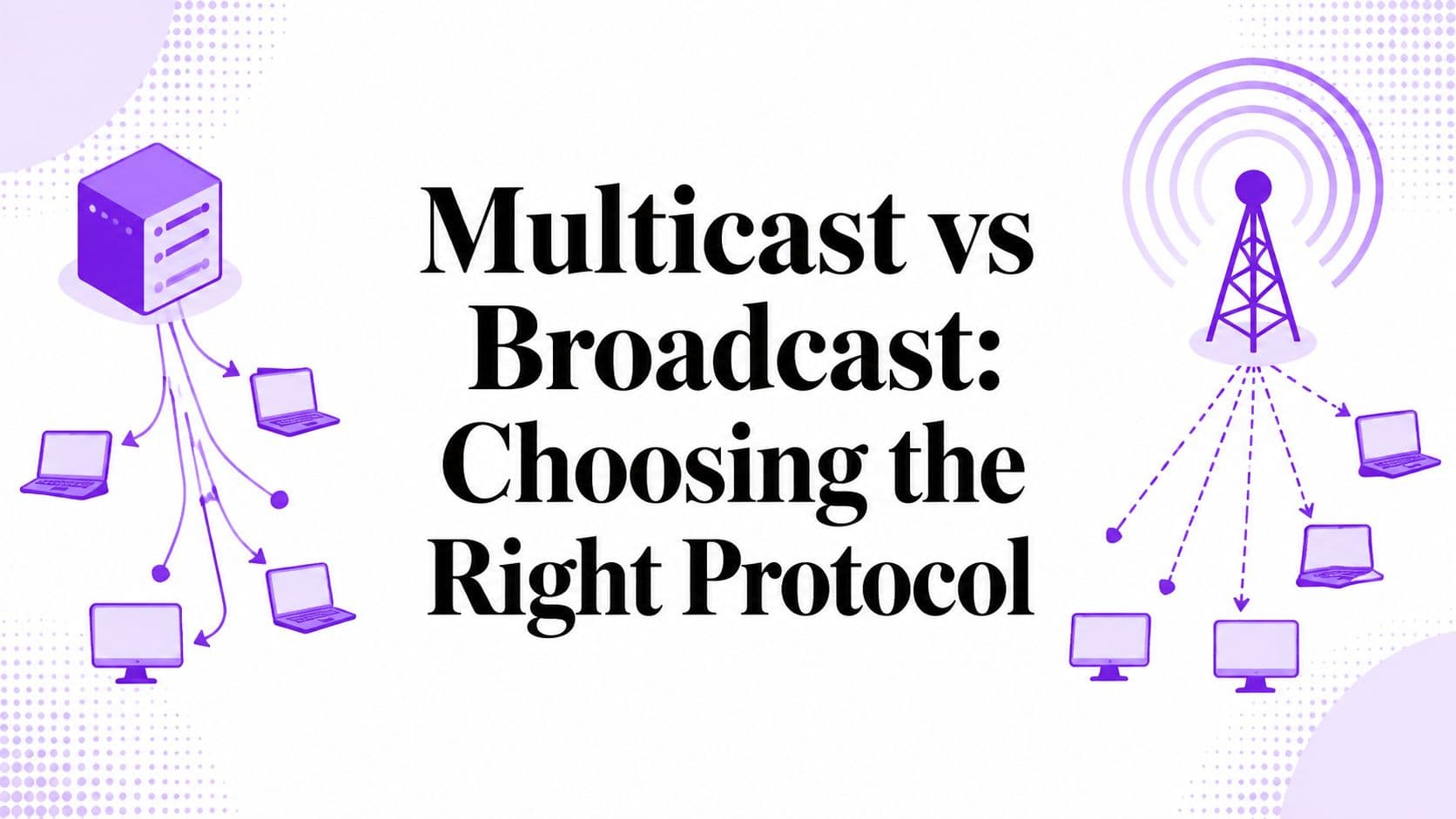
You have one camera feed. Ten people need it today. A hundred might need it next month. Some are on the same site. Others are remote. Someone on the project team asks a reasonable question: should we use multicast or broadcast?
That question sounds technical, but the key decision is operational. Where are the viewers, and who controls the network path between the camera and the viewer? If everyone sits on the same managed LAN, multicast can be a very smart tool. If the stream needs to reach a public website, a phone on cellular, or a browser outside your network, multicast usually stops being a practical option.
The distinction between multicast vs broadcast is often misunderstood. Textbook definitions are easy. Real deployment is not. A large-scale camera system lives or dies on what your switches, routers, firewalls, and internet path will support. If you're planning live viewing for a resort, construction site, municipality, church, campus, or venue, that implementation gap matters more than protocol theory.
The Challenge of One-to-Many Video Streaming
An IP camera is a one-to-many problem the moment more than one person opens the feed. A security team may want the same entrance view in several rooms. A hotel may want a surf cam on lobby displays, staff dashboards, and a public web page. A construction company may want project stakeholders to check progress without asking the site team for updates.
At first glance, the answer seems simple. Broadcast sends traffic to everyone on the local network. Multicast sends traffic to a chosen group of receivers. Both sound like ways to avoid creating a separate stream for each viewer.
The catch is location. If all viewers are inside the same network you manage, network-level delivery methods can help. If viewers are spread across homes, mobile devices, branch offices, and public browsers, the decision changes fast. The stream no longer lives inside one controlled environment.
That's why bandwidth planning has to start with audience geography, not protocol names. Teams that skip that step usually end up overloading a camera, saturating a switch, or discovering too late that their internet path won't carry the traffic mode they chose. If you're already trying to map viewer demand against available capacity, OctoStream's guide to bandwidth usage monitoring is a useful companion for the planning side.
Practical rule: If even one important viewer sits outside your private LAN, treat internet delivery as a separate design problem from local network efficiency.
For camera projects, that's the core split. Inside a LAN, the debate can be multicast vs broadcast. Outside it, the question becomes how to package and deliver video in a format browsers and internet networks support.
Broadcast and Multicast Fundamentals
Broadcast and multicast both send traffic from one source toward many receivers, but they behave very differently once packets hit the network.

For an IP camera project, that difference shows up fast. A stream that looks efficient on paper can still become the wrong choice if every switch, client, router, and viewing path does not handle it the same way.
What broadcast means
Broadcast sends a packet to every host on the local network segment. The network does not filter for interest first. Every attached device has to receive it and decide whether to ignore it.
That is acceptable for short control traffic such as discovery or address resolution. It is a poor fit for sustained video. Cameras generate continuous traffic, and broadcast turns that traffic into background load for printers, laptops, phones, and anything else on the segment.
On a small isolated LAN, you might get away with it for testing. On a production camera network, broadcast video usually creates more noise than value.
What multicast means
Multicast sends one stream to a defined group address, and receivers join that group if they want the feed. In a well-configured network, switches and routers replicate traffic only where subscribed viewers exist.
That is the theory, and it is a useful one. If twenty operators watch the same camera on the same managed network, multicast can keep the camera from sending twenty separate copies.
The practical catch is that multicast depends on network support, not just camera support. Group membership has to be tracked. Switches need to handle multicast correctly. Routers need explicit configuration if the traffic must cross subnets. Many camera deployments start with RTSP camera streaming workflows, and that often leads teams to assume multicast distribution will be equally straightforward. It rarely is unless the network was designed for it.
Where unicast fits
Unicast still matters here because it is the fallback mode for almost everything outside a controlled LAN. Each viewer gets an individual stream, which raises bandwidth use at the source or relay point, but it works across ordinary networks and aligns with how internet delivery is built.
So the practical split is simple:
- Broadcast reaches every device on a local segment.
- Multicast reaches devices that joined a specific group.
- Unicast reaches one receiver per stream.
Why teams mix them up
The confusion usually starts with the phrase "one-to-many." From a project view, broadcast and multicast both sound like ways to avoid per-viewer streams. From a network design view, they solve different problems.
Broadcast is blunt local distribution. Multicast is selective local or private-network distribution, provided the infrastructure supports it. Neither one is a general answer for public-facing camera access across home ISPs, mobile networks, and web browsers.
That implementation gap matters more than the protocol labels. For camera systems, the key decision is usually local network efficiency versus internet-scale delivery. That is why multicast can be the right answer inside a facility, while cloud-based HLS services become the default once the audience extends beyond the network you control.
A Detailed Technical Comparison
A camera stream looks simple on a diagram. One sender, many viewers. The technical behavior underneath is what decides whether the design stays efficient or turns into background noise across the network.
The useful comparison here is not just multicast versus broadcast as protocol terms. It is selective local delivery versus indiscriminate local delivery, and then a separate question about whether either model helps once viewers sit outside the network you control.
| Attribute | Multicast | Broadcast |
|---|---|---|
| Delivery model | One-to-many for subscribed receivers | One-to-all on the local network segment |
| Intended audience | Devices that join a specific group | Every host on the segment |
| Traffic selectivity | Selective | Indiscriminate |
| Scope | Can extend beyond one segment if the network supports it | Local network domain only |
| Impact on uninterested devices | Lower, because non-members are not meant to receive the stream | Higher, because every device on the segment sees the traffic |
| Best fit | Shared video for defined viewer groups on managed networks | Discovery, announcements, and broad local signaling |
| Video suitability | Reasonable on properly configured private networks | Poor for sustained video delivery |
Packet behavior and why it matters
Broadcast sends traffic to every device in the local broadcast domain. Multicast sends traffic to a defined group address, with the expectation that only interested receivers join and receive it.
For video, that difference affects more than bandwidth math. It affects endpoint behavior, switch forwarding, and how much irrelevant traffic reaches devices that never asked for the stream. On a busy camera VLAN, broadcast traffic forces every host to inspect and discard packets it does not need. Multicast aims to avoid that waste.
That is why broadcast is rarely the right transport for continuous camera video.
What changes at the network level
Broadcast is simple because it asks very little from the network. The sender transmits, and the local segment carries the traffic to everyone. That simplicity is also the limitation. The traffic stops at the local domain, and every attached host pays the cost whether it needs the stream or not.
Multicast shifts the work into the network design. The sender still produces a single stream, but forwarding decisions depend on whether receivers joined the group and whether the network knows where those receivers sit. In a well-run facility network, that can make one-to-many video distribution far more efficient than sending separate unicast streams to local viewers.
In practice, that efficiency has boundaries. It works best where the organization controls switches, routers, and receiver behavior. It is far less dependable across ISP networks, consumer routers, mobile carriers, and web browsers.
Operational impact on a camera project
For a large camera deployment, the protocol choice changes where the complexity lands.
Broadcast is operationally cheap to start and expensive to live with. It creates unnecessary load on the local segment and gives you almost no control over who receives the traffic.
Multicast is operationally efficient after the network is built for it. The trade-off is planning, testing, and ongoing configuration discipline. If even one part of the path handles multicast poorly, the design often falls back to unicast or fails in inconsistent ways that are hard to troubleshoot.
A practical planning view looks like this:
- Use multicast when viewers are inside a managed LAN or private WAN and the network team can verify group handling end to end.
- Use broadcast for short local control functions, not for sustained camera streams.
- Use internet-ready unicast delivery methods when the audience includes remote users, public networks, or browser-based playback.
Decision shortcut: Broadcast floods a local segment. Multicast can conserve local bandwidth, but only on networks built to support it. Public-facing video usually ends up on unicast delivery paths because that is what the internet and browsers reliably support.
That is the implementation gap teams run into. Multicast can be the better engineering answer inside a site. It is rarely the whole answer for public access, which is why cloud-based HLS platforms become the default once the project extends beyond the local network.
Network Requirements and Implementation Hurdles
A multicast diagram on a whiteboard looks clean. A multicast deployment in production needs agreement from switches, routers, and network policy.

What multicast needs to work
Multicast isn't just a sender feature. Receivers need a way to express group membership, and the network needs a way to forward traffic only where subscribers exist. Neutral vendor documentation notes that IP multicast can be used globally only when multicast routers forward the traffic, and that it depends on management and forwarding mechanisms such as IGMP and multicast routing protocols. The same documentation also notes that broadcast is limited to a single network domain, which is why multicast is really an infrastructure feature rather than a simple packet-delivery toggle, as described in this Forcepoint multicast documentation.
In plain terms, you need more than a camera that can emit a stream.
- Receivers need group membership signaling. On a LAN, that usually means IGMP behavior is part of the picture.
- Switches need to handle multicast sensibly. Otherwise traffic can spill farther than intended.
- Routers need multicast awareness. If traffic crosses segments, forwarding has to be deliberate.
- Admins need policy alignment. Firewalls, VLAN design, and routing policy all have to cooperate.
Why the public internet breaks the idea
This is the practical gap many non-network stakeholders don't see at the start. A browser on the public internet isn't sitting inside your campus multicast design. ISPs and internet paths generally don't operate as an end-to-end multicast environment you can rely on for public viewing. The protocol may be valid. The path usually isn't.
That means a public watch page for an IP camera can't be planned the same way as a control room video wall.
Common blockers include:
- No end-to-end multicast support: The stream may leave your LAN, then lose the forwarding environment it needs.
- NAT and firewall boundaries: Even before viewer playback, network translation and security policy complicate direct packet delivery.
- Mixed client environments: Phones, browsers, home routers, and public Wi-Fi don't behave like managed enterprise receivers.
Multicast can be elegant on a private network you control. It becomes fragile the moment you depend on infrastructure you don't control.
What to budget for
If a team says it wants multicast for a camera system, the right follow-up questions aren't about codec settings first. They're about managed switches, router support, VLAN boundaries, receiver behavior, and whether every critical viewer is on the same administratively controlled network. If the answer is no, internet delivery needs its own architecture.
Performance Bandwidth and Scaling
A 200-camera deployment exposes the scaling problem fast. One viewer per feed is manageable. Ten, fifty, or hundreds of viewers change the math, and the transport choice starts driving switch load, uplink usage, and server sizing.

How multicast scales for viewers
On a managed network, multicast has a clear bandwidth advantage for one-to-many viewing. Industry explainers describe multicast as one-to-many delivery that keeps bandwidth usage effectively constant as more users join, while unicast bandwidth demand increases linearly with each new viewer, as outlined in this streaming comparison of multicast and unicast delivery.
That matters most at the source and on shared links. If twenty operators watch the same camera over unicast, the sender or relay infrastructure has to produce twenty separate streams. With multicast, the source sends one stream and the network copies it only where paths split.
For a project manager, the practical takeaway is simple. Multicast reduces repeated traffic inside a private network. It does not remove the need to engineer the switching fabric, receiver behavior, and monitoring around it.
Broadcast, multicast, and real scaling limits
Broadcast and multicast solve different problems, so raw packet efficiency is only part of the decision. Broadcast pushes traffic to every host on the segment whether it asked for the stream or not. Multicast sends to subscribed receivers, which is usually a better fit for camera viewing where only selected users, recorders, or wall displays need a feed.
That selectivity becomes more important as camera counts rise. A few test streams on a small subnet may look fine with broad delivery. A production surveillance network with dozens or hundreds of always-on feeds punishes waste quickly, especially when the same LAN also carries storage, management traffic, access control, or voice.
I have seen teams focus on the attractive multicast scaling curve and skip the harder question. Where do the viewers sit? If they are in one campus, one plant, or one hospital network, multicast can reduce local distribution overhead. If they are remote users on home broadband, mobile devices, or public browsers, the scaling advantage stops at the edge of the managed network.
The implementation gap behind the bandwidth math
This is the part that changes architecture decisions. Multicast is efficient on the LAN because the network participates in delivery. Public internet streaming usually cannot depend on that behavior end to end, so internet-scale distribution falls back to per-viewer unicast sessions, usually packaged in formats such as HLS.
In other words, the key choice for a camera program is often local network efficiency versus internet-scale reach.
That is why cloud video platforms and HLS-based workflows keep showing up in public-facing deployments. They are less bandwidth-efficient in the pure one-to-many sense, but they are far more achievable across browsers, CDNs, firewalls, mobile networks, and unmanaged last-mile connections. For internal viewing, multicast can save substantial local bandwidth. For external viewing, practical scalability usually comes from infrastructure that accepts unicast delivery as the cost of broad compatibility.
When to Use Each for IP Camera Streaming
A city deploys 300 cameras across transit hubs, and the first request sounds simple. Put the feeds on the web so operations staff, remote supervisors, and a few public pages can all watch live video. At that point, the design question shifts. The fundamental split is not broadcast versus multicast. It is whether the audience stays inside a network you control or extends onto networks you do not.
Good multicast scenarios
Multicast fits camera systems best when the viewers are predictable and local. I would use it for a campus security team sending the same live views to several control rooms, a manufacturing site distributing selected lineside cameras to operator stations, or a hospital showing a fixed set of feeds inside its command center. In each case, the organization owns the switching and routing path and can enforce the network policies that multicast depends on.
The common traits are straightforward:
- One administrative domain: The same team controls the LAN and any routed segments carrying the streams.
- Defined receiver groups: The feed goes to known workstations, video walls, or monitoring applications.
- Operational viewers: These are staff on managed endpoints, not random users opening a browser from home or mobile data.
Under those conditions, multicast can reduce duplicate traffic on the local network and keep a large internal monitoring deployment efficient.
Where broadcast fits, and where it doesn't
Broadcast has a place in IP networking, but long-running video is rarely that place. A camera stream sent as broadcast reaches every host on the segment whether that host needs the feed or not. On a production network carrying storage, voice, access control, or general user traffic, that is a poor bargain.
There are edge cases. A very small isolated subnet, built for a narrow operational purpose, might tolerate broadcast video for a short-term or legacy workflow. I would still treat that as a special exception, not a design pattern to copy elsewhere.
For sustained camera distribution, broadcast usually creates work for devices that should never have been involved in the stream.
A practical decision filter
Use this test before approving the architecture:
- All viewers are inside one managed site or campus. Multicast is a realistic option.
- Viewers span branch offices, home users, mobile devices, or public browsers. Plan for internet delivery instead of trying to extend multicast beyond the controlled network.
- The request includes ongoing broadcast video. Ask what problem it solves that multicast or standard web delivery does not.
One more practical check matters. If the viewing workflow ends in a browser, the project usually needs web playback support anyway. That often leads teams toward a HTML5 video player for browser-based streaming and an HTTP delivery model, even when the camera source begins on a private network.
For most IP camera deployments, multicast is the right tool for internal distribution on networks you manage closely. Broadcast stays in the background as basic network behavior, not a primary video transport. Public or mixed-audience viewing calls for a different delivery model.
The Internet Solution Unicast and HLS Streaming
When a camera feed needs to reach a website, a phone, or a public audience, the practical solution is usually unicast delivery packaged for web playback, not multicast and not broadcast.

Why internet delivery uses a different model
Browsers and consumer devices expect web-friendly streaming formats. They also sit behind mixed networks you don't control. That combination is why camera feeds headed for public or remote viewing are typically converted from local camera transport into HTTP Live Streaming, then delivered as standard web traffic to each viewer.
This is less elegant from a pure network-efficiency perspective than multicast on a private LAN. It's far more achievable in practice. Web infrastructure, CDNs, caching layers, browsers, and mobile devices all understand this model. That's why public streaming systems rely on it.
The practical workflow is simple in concept:
- Ingest the camera feed from the source system.
- Package it for browser playback in HLS.
- Deliver it over ordinary web paths that work on phones, desktops, and public networks.
- Scale distribution at the delivery layer instead of asking the public internet to behave like your LAN.
If you need the browser side explained in plain language, this guide to the HTML5 video player helps connect the network discussion to what users see on the page.
What that means for camera teams
For internal monitoring on a controlled campus, multicast can still be the right answer. For a public beach cam, church stream, venue watch page, construction progress portal, or resort conditions page, HLS over unicast is the realistic path.
That's also why camera teams often split the design in two:
- Local operations view: Optimized for internal network efficiency.
- External audience view: Optimized for browser compatibility and internet delivery.
A quick visual example of the browser-ready model is below.
The key point is that cloud-based HLS services aren't replacing multicast inside a well-run LAN. They solve a different problem. They take a local camera feed and make it usable at internet scale, where multicast usually isn't operable and broadcast was never a realistic public delivery method to begin with.
If you need to turn an RTSP camera feed into a browser-ready live stream, OctoStream handles the ingest, HLS packaging, embeddable player, and public watch-page delivery without requiring you to build the streaming pipeline yourself.