This guide shows a few quick ways to open an RTSP stream in desktop tools. It works with OctoStream test streams and with normal camera or NVR RTSP URLs.
Get an RTSP test URL from OctoStream
- Create an account on OctoStream using your email address or Google account.
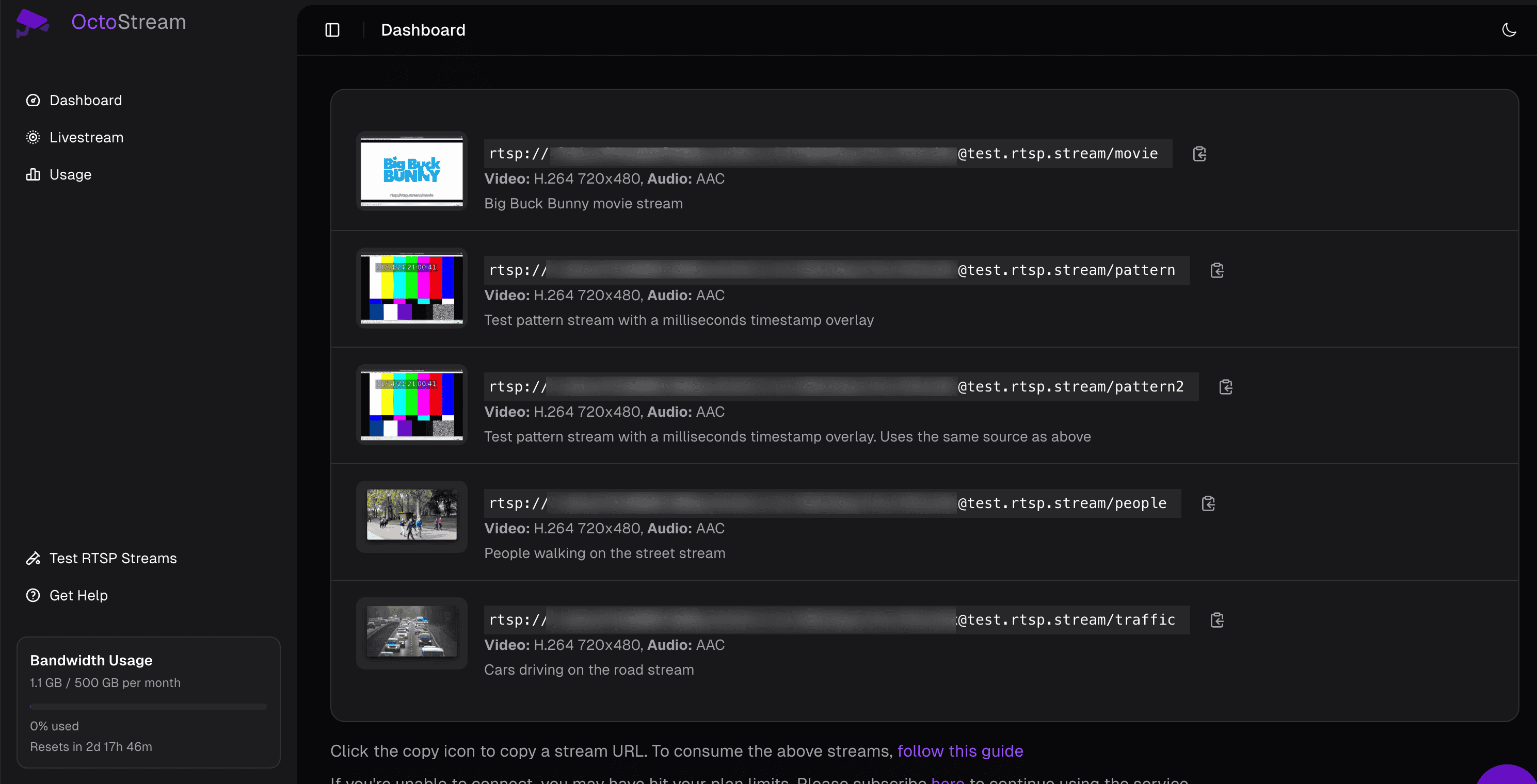
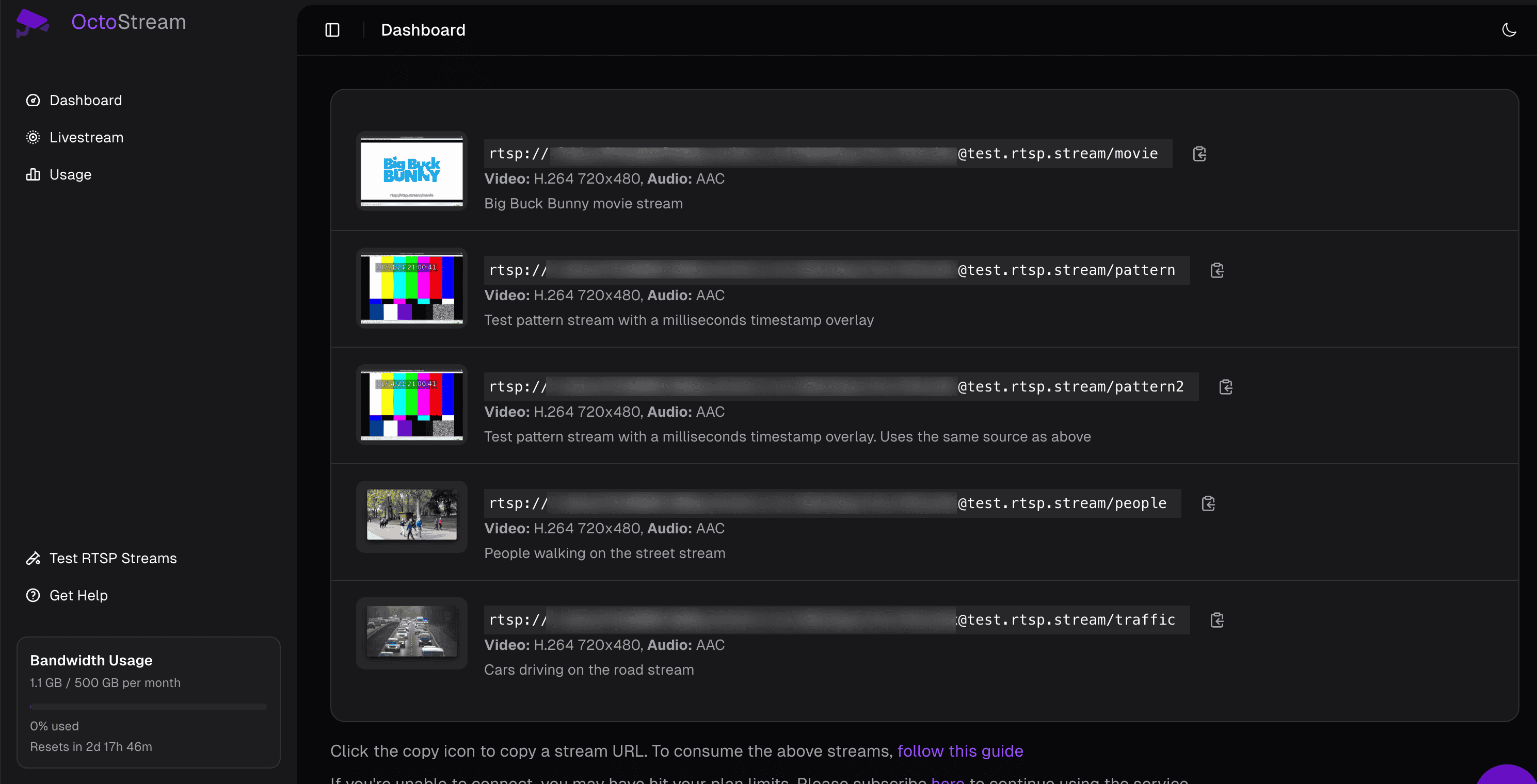
- Open Dashboard > Test RTSP Streams.
- Copy one of the test stream URLs.
OctoStream test stream URLs use this format:
rtsp://<id>:<accountStreamKey>@test.rtsp.stream/<testPath>
For example, the Big Buck Bunny sample uses the movie path:
rtsp://<id>:<accountStreamKey>@test.rtsp.stream/movie
Other available test paths include pattern, pattern2, people, and traffic.
If you are testing your own camera or NVR instead, use the RTSP URL from the device, usually in this form:
rtsp://<cameraUser>:<cameraPassword>@<cameraHost>:554/<cameraPath>
Opening RTSP URL using VLC Player
- Download VLC media player from videolan.org/vlc.
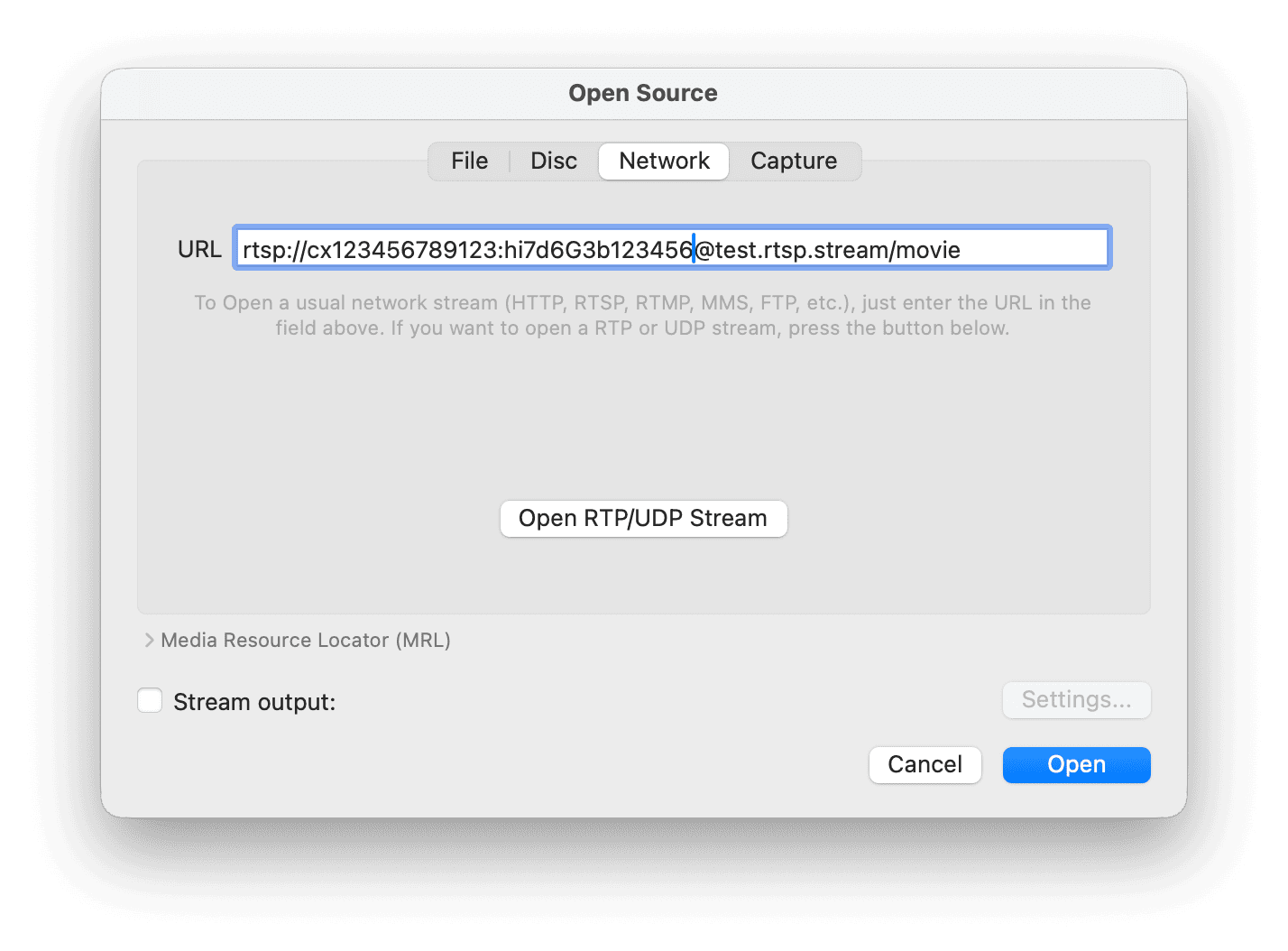
- On macOS, click File > Open Network....
- On Windows or Linux, click Media > Open Network Stream.
- Paste the RTSP stream URL.
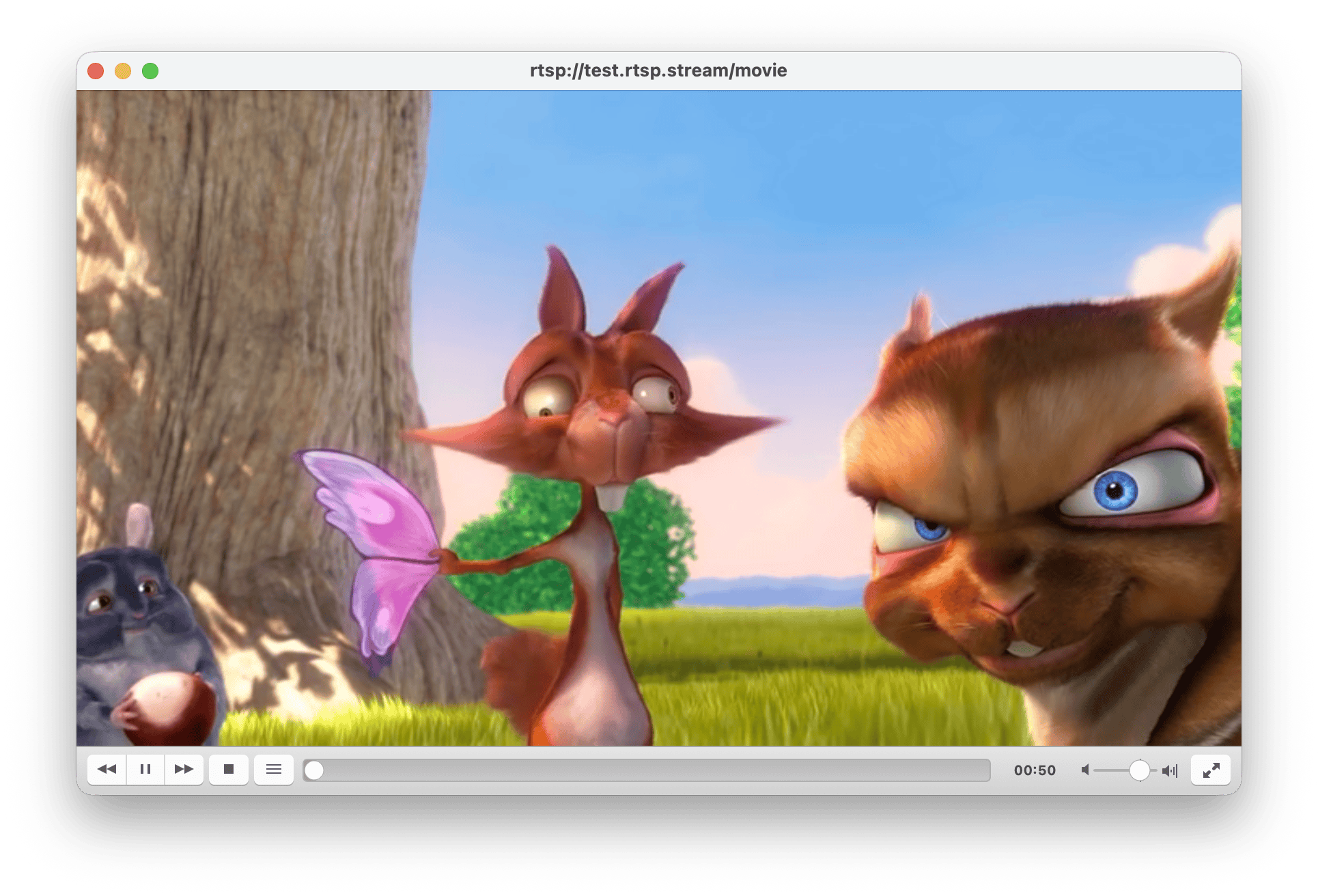
- Click Play.
If the stream does not open, check whether your network blocks RTSP traffic. Some networks block port 554 or UDP media transport.
Opening RTSP URL using GStreamer
Install GStreamer for your operating system using the official installation instructions.
For an H.264 RTSP stream, run:
gst-launch-1.0 rtspsrc \
  location="rtsp://<id>:<accountStreamKey>@test.rtsp.stream/movie" \
  protocols=tcp latency=100 ! queue ! rtph264depay ! h264parse ! \
  avdec_h264 ! videoconvert ! videoscale ! \
  video/x-raw,width=640,height=480 ! autovideosink
The quotes around the URL matter if your username, password, token, or camera path contains shell-sensitive characters.
Opening RTSP URL using FFmpeg
Install FFmpeg for your operating system. For Debian-based systems:
sudo apt-get install ffmpeg
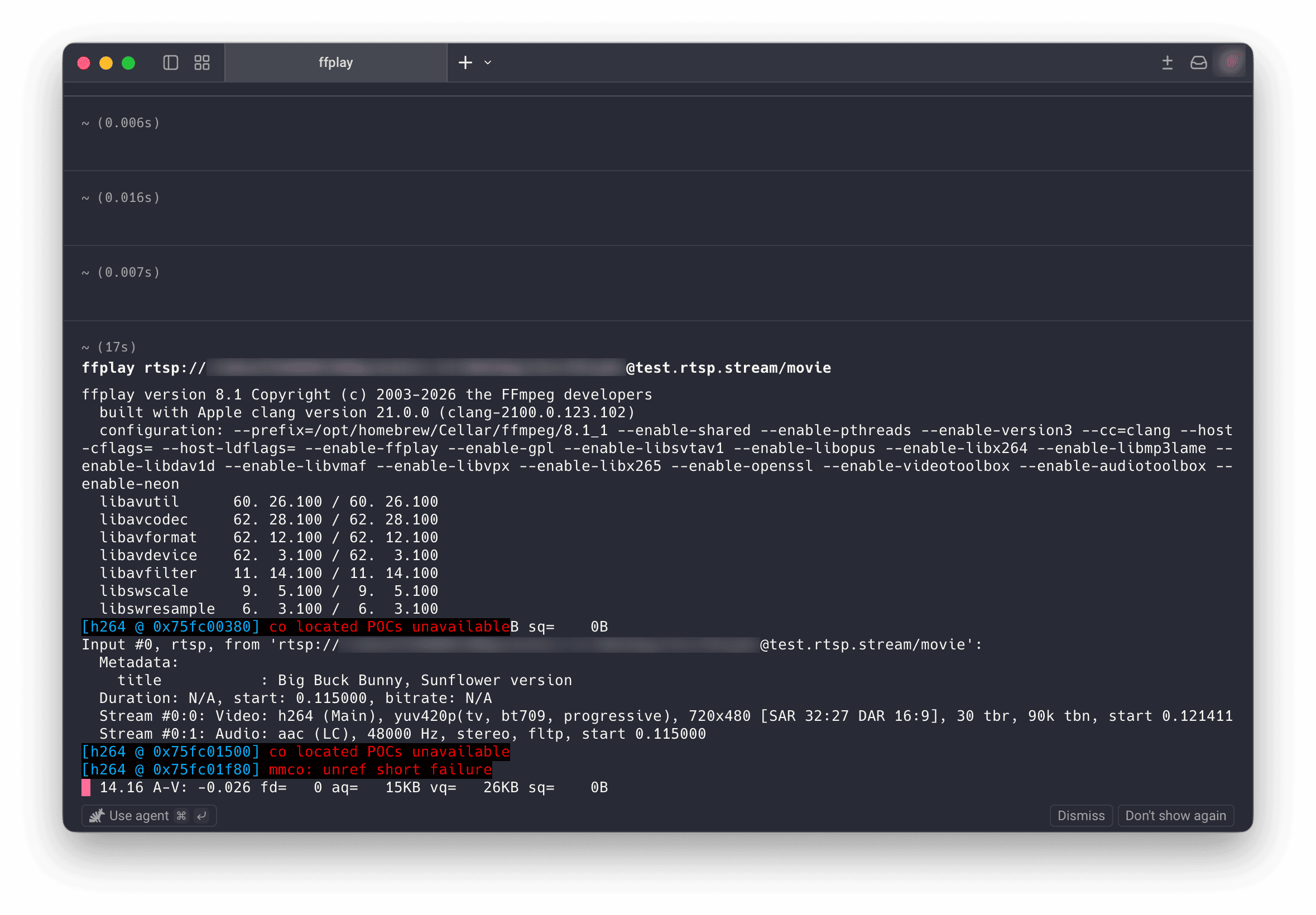
Then use the bundled ffplay utility to open the RTSP stream:
ffplay -rtsp_transport tcp "rtsp://<id>:<accountStreamKey>@test.rtsp.stream/movie"
If you only want to inspect the stream metadata without opening a player window, use ffprobe:
ffprobe -rtsp_transport tcp "rtsp://<id>:<accountStreamKey>@test.rtsp.stream/movie"
Test RTSP streams for free
Need a known-good RTSP URL before testing your own camera? Create a free OctoStream account and use the dashboard's ready-to-copy test streams with VLC, GStreamer, or FFmpeg.
Sign up for free